
Image retention
Use Customer Image Retention to choose how long Icona stores shopper photos and generated try-on images. You’ll find it in the Data Retention section of the Icona Settings page.
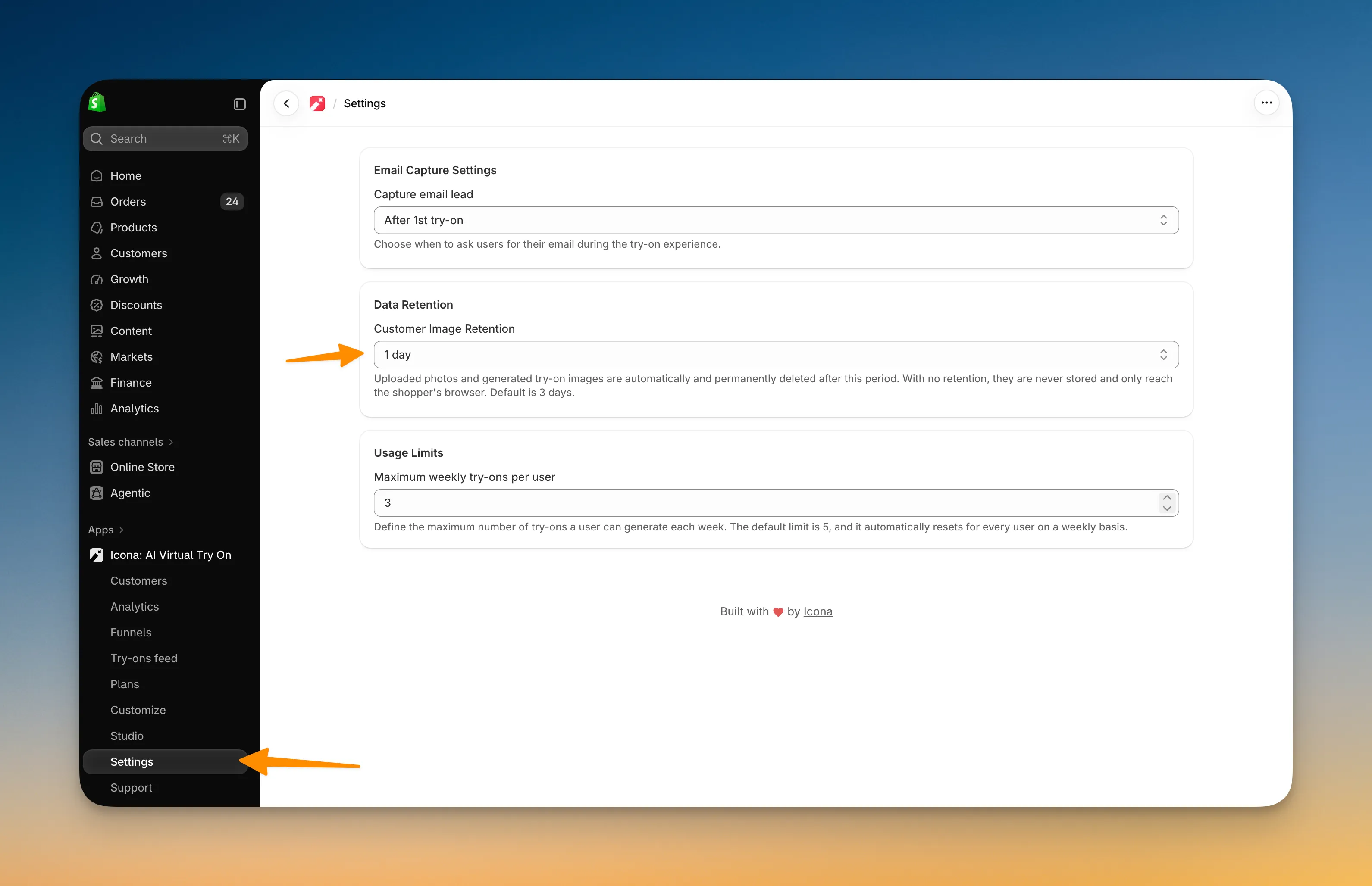
Options
Section titled “Options”- No retention (never store images): Icona never stores the shopper’s photo or the generated image.
- 1, 3, 7, 14, or 30 days: Icona stores both images for the selected period, then deletes them automatically.
The default is 3 days.
No retention
Section titled “No retention”With No retention (never store images), the shopper’s photo and the generated try-on image are never saved. The generated image is sent straight to the shopper’s browser and nowhere else.
Because nothing is stored, the Try-ons feed keeps a record of each try-on but shows no images for it.
What gets deleted
Section titled “What gets deleted”With a retention period of 1 to 30 days, the period applies to the shopper’s original photo and the image Icona generates. Both are deleted automatically and permanently when the selected period ends.
The Try-ons feed keeps a record of the try-on, but the images will no longer be available.
Changing the setting
Section titled “Changing the setting”When you switch to a shorter period, or to No retention, Icona applies it right after you save. Stored images older than the new period are deleted straight away instead of waiting for the next scheduled cleanup. Switching to No retention deletes all stored try-on images.
Privacy note
Section titled “Privacy note”Choose a retention period that supports your store’s privacy commitments and how you plan to use the try-on data. If you don’t want shopper photos kept at all, choose No retention.
Next, see Weekly try-on limit to manage usage per shopper.