
Install the app
Install Icona AI Virtual Try On directly from the Shopify App Store:
-
Open https://apps.shopify.com/icona and click the Install button.
-
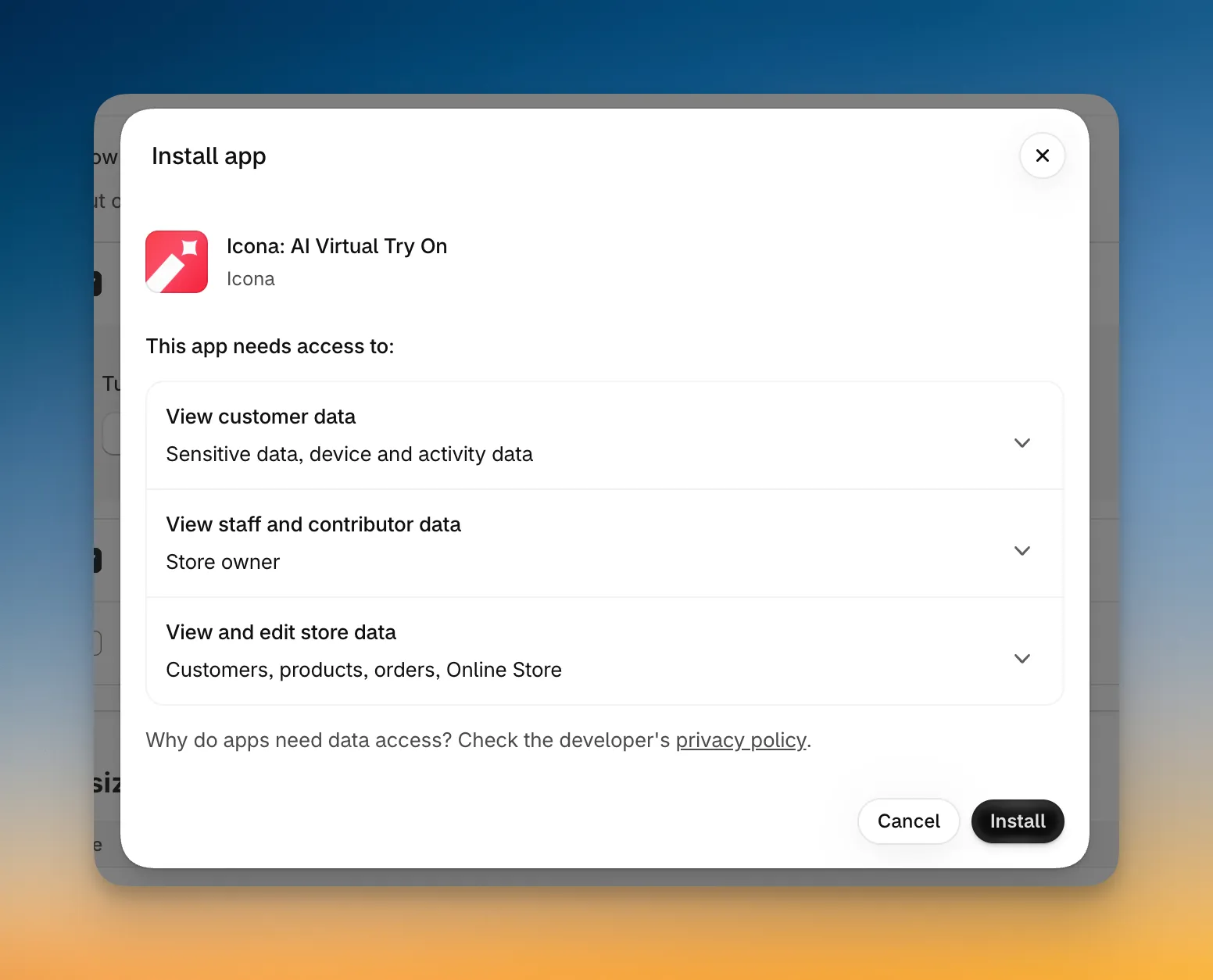
Review the requested permissions. Icona uses access to your products, themes, orders, and customers to display the try-on button, track conversions, and tag customers who use the feature.
-
Click the Install button to confirm.
When the installation is complete, Shopify opens the Icona home page inside your admin. From there, the setup guide will help you finish configuring the app.
Once Icona is installed, continue to Set up the app.