
Set up the app
Now that Icona is installed, you’re ready to set it up.
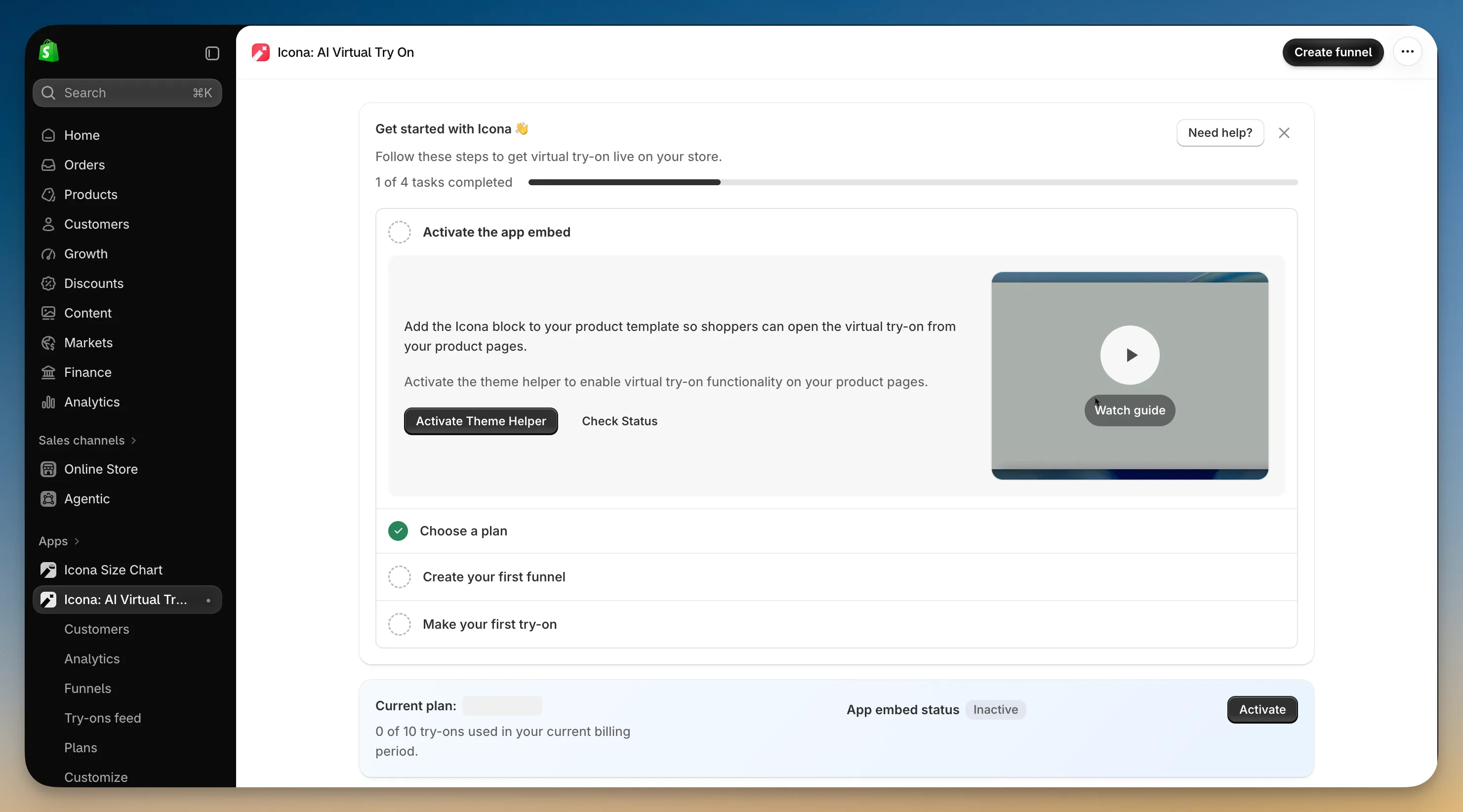
This section walks you through the essentials. You’ll connect Icona to your theme, choose a plan, add Virtual Try-On to your products, and test the experience on your storefront.
Follow these steps in order:
The Get started with Icona guide on the Icona home page tracks the same four tasks.
Using an older vintage theme that can’t hold app blocks? See Install on a vintage theme.